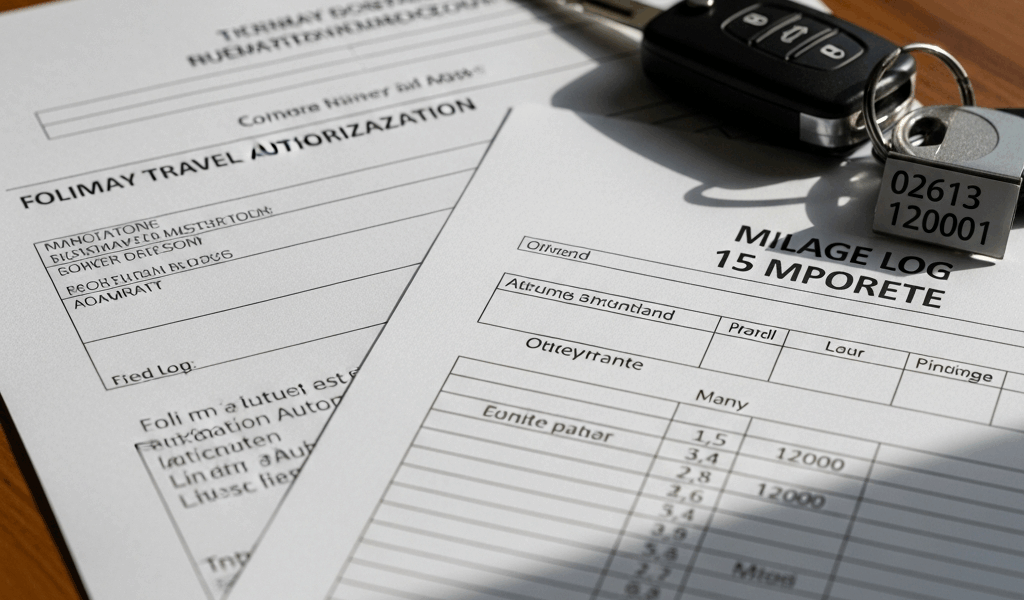
Why Your Orders Might Be Silent on POV
TDY orders have gotten complicated with all the paperwork noise flying around. You open the document expecting the basics — departure date, destination, per diem rates, duration. Then you hit the transportation section and find absolutely nothing about your privately owned vehicle. No authorization language. No denial either. Just blank space where something should probably be.
As someone who has gone through this exact scenario twice, I learned everything there is to know about what that silence actually means. Today, I will share it all with you.
Here’s the boring reality: most TDY orders get generated from templates. Someone in S-1 fills in the destination and duration, the system auto-populates standard language blocks, and the POV authorization section? Skipped. Not because anyone decided against it. Not because there’s a policy reason. It’s a blank that nobody flagged before the orders landed in your inbox — probably because rapid-turnaround orders don’t leave much time for double-checking every line item.
But what is a POV authorization gap? In essence, it’s an omission in your orders where explicit written permission to use your personal vehicle should appear. But it’s much more than that — it’s a financial liability that can cost you hundreds of dollars if you don’t address it before driving a single mile.
Some travelers read the silence as approval. Others read it as denial. Neither interpretation actually protects your wallet. That’s what makes getting this right so endearing to us military travelers who’ve watched colleagues eat unexpected out-of-pocket costs. So, without further ado, let’s dive in.
What Happens If You Drive Without Authorization
I’ll be direct. Drive a POV without explicit written authorization and submit a mileage claim afterward — your finance office can reject it. Not might. Can.
The Joint Travel Regulations require POV use be authorized in writing before travel. Full stop. DTS enforces this by cross-checking your voucher against whatever authorization document is attached to your orders. No document means DTS flags it during review, and your finance approver then has three options: approve anyway, kick it back for correction, or deny the mileage reimbursement entirely.
I watched a colleague — Fort Campbell, 2021 — spend 40 days waiting for a retroactive amendment to clear. Her voucher sat in limbo the entire time. She eventually recovered around $580 in mileage reimbursement, but it took three emails, two phone calls, and a signed memo from her unit S-4. Don’t make my mistake of assuming the finance office will just work it out on the back end.
There’s also the cost-comparison problem. Under JTR rules, POV mileage is only reimbursable if it’s cheaper than or equal to a government-procured rental or commercial transportation. If DTS can’t verify that comparison because your authorization is missing, rejection gets even more likely. You’d need to prove — weeks after the fact — that driving your Chevy Silverado was genuinely the most economical option.
Probably should have opened with this section, honestly. Five minutes of effort before departure is worth considerably more than three weeks of back-and-forth emails fighting a denied voucher.
How to Get POV Authorization Added Before You Travel
Frustrated by discovering your orders are silent on POV authorization, most travelers stare at the document hoping they misread it. They didn’t. The fix, though, is genuinely straightforward using a simple email and about 48 hours of patience.
First, you should identify whoever issued the orders — at least if you want to resolve this cleanly. Usually that’s your unit’s S-1 or personnel office. Send a short email. One or two sentences. “My TDY orders to [destination] dated [date] don’t include POV authorization language. Can you add this?” That’s it. Don’t over-explain. Don’t apologize for asking.
What comes back should look roughly like this:
- “Private automobile transportation is authorized for TDY travel to [location] from [date] to [date]. Reimbursement will be made at the current mileage rate per JTR paragraph 020801.”
That language might arrive as a formal amendment or a modification to the original orders. Both work equally in DTS — I’m apparently indifferent to the format and either version works for me while neither ever causes a problem at finance if the signature block is correct. The critical details: written, signed by someone with authorization authority at your unit, and dated before your departure.
A major, senior NCO, or civilian GS-12 supervisor can typically approve this without routing it higher. Turnaround runs 24 to 48 hours under normal workday conditions — faster if you catch someone between 0900 and 1400.
Once it arrives, upload it directly to your DTS authorization record. The document needs to be attached before you hit submit on the voucher — ideally before you even leave, though “before submission” is the hard deadline that actually matters legally.
Already Back from TDY Without Authorization in Your Orders
If you’re reading this after you already drove and returned home without authorization in place — don’t spiral. You can still fix this. It’s harder. It takes longer. But it’s fixable.
Request a retroactive amendment from the same orders-issuing authority using identical language to what I described above. The only mechanical difference is timing — this amendment now covers dates that already happened, which requires slightly more justification baked into the request. Have a reason ready before you make contact. “No rental vehicles were available at the destination during my arrival window” is solid. “Government ground transportation wasn’t cost-competitive with POV mileage” also works. “Rental agencies couldn’t accommodate the mission timeline” works too. Pick whichever actually reflects your situation.
You’ll also need a cost comparison pulled directly from DTS — the system can show exactly what a commercial rental would have run for the same period and mileage. Run that report. Print it or save the PDF. Attach it alongside the retroactive amendment when you submit the voucher.
This documentation isn’t bureaucratic theater. Finance reviewers are looking for evidence that POV was the economical choice. Without it, they can deny the claim even if you eventually get the amendment signed.
That was the hard lesson from 2021. The amendment alone isn’t enough — you need the cost comparison attached simultaneously or reviewers will send it back again.
Submitting the Mileage Claim in DTS the Right Way
Open the TDY voucher in DTS and navigate to the transportation section. The system asks for beginning odometer, ending odometer, and POV usage dates. Enter these accurately — DTS calculates total miles automatically from those numbers, so the accuracy of your odometer readings matters more than the math.
Before you submit, check the Supporting Documents section. Your POV authorization needs to be attached and clearly labeled. Something like “POV_Authorization_Amendment_[LastName]_[DateRange]” keeps your finance reviewer from hunting for it. Missing document means automatic send-back — I’ve seen this happen to clean, otherwise-perfect vouchers because the attachment had a vague filename nobody recognized.
Verify the mileage rate calculation. DTS pulls the current GSA rate automatically — 67 cents per mile as of 2024, though that adjusts annually. The system should populate correctly, but confirming it matches what your orders cite takes about 30 seconds and occasionally catches a system lag from a rate-change update.
Finally, if your authorization was amended after travel, drop a short narrative in the voucher’s remarks section. Something like: “POV authorization was amended retroactively on [date]. Cost comparison supporting retroactive approval is attached.” That single sentence gives your reviewer context and prevents them from misreading the document timestamps as an error.
Submit when all three elements are confirmed: authorization document attached, mileage calculation verified, narrative included where needed. One clean submission beats three correction cycles — and your reimbursement hits your account considerably faster.




Leave a Reply